Documentation › Getting started
Connecting the KnitronLink
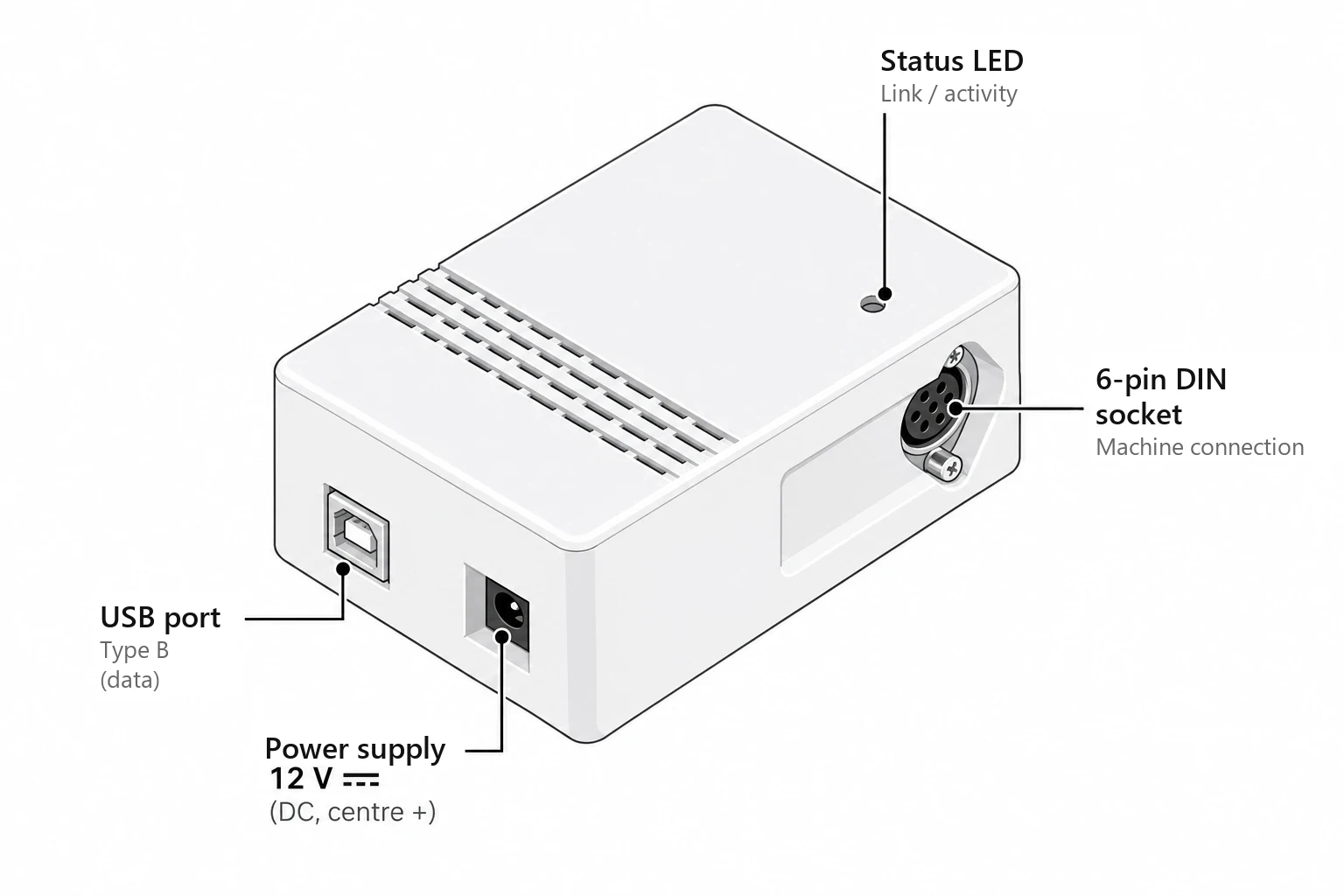
The KnitronLink takes the place of the E6000 console. It arrives assembled and tested: all that is left is to plug in three cables.
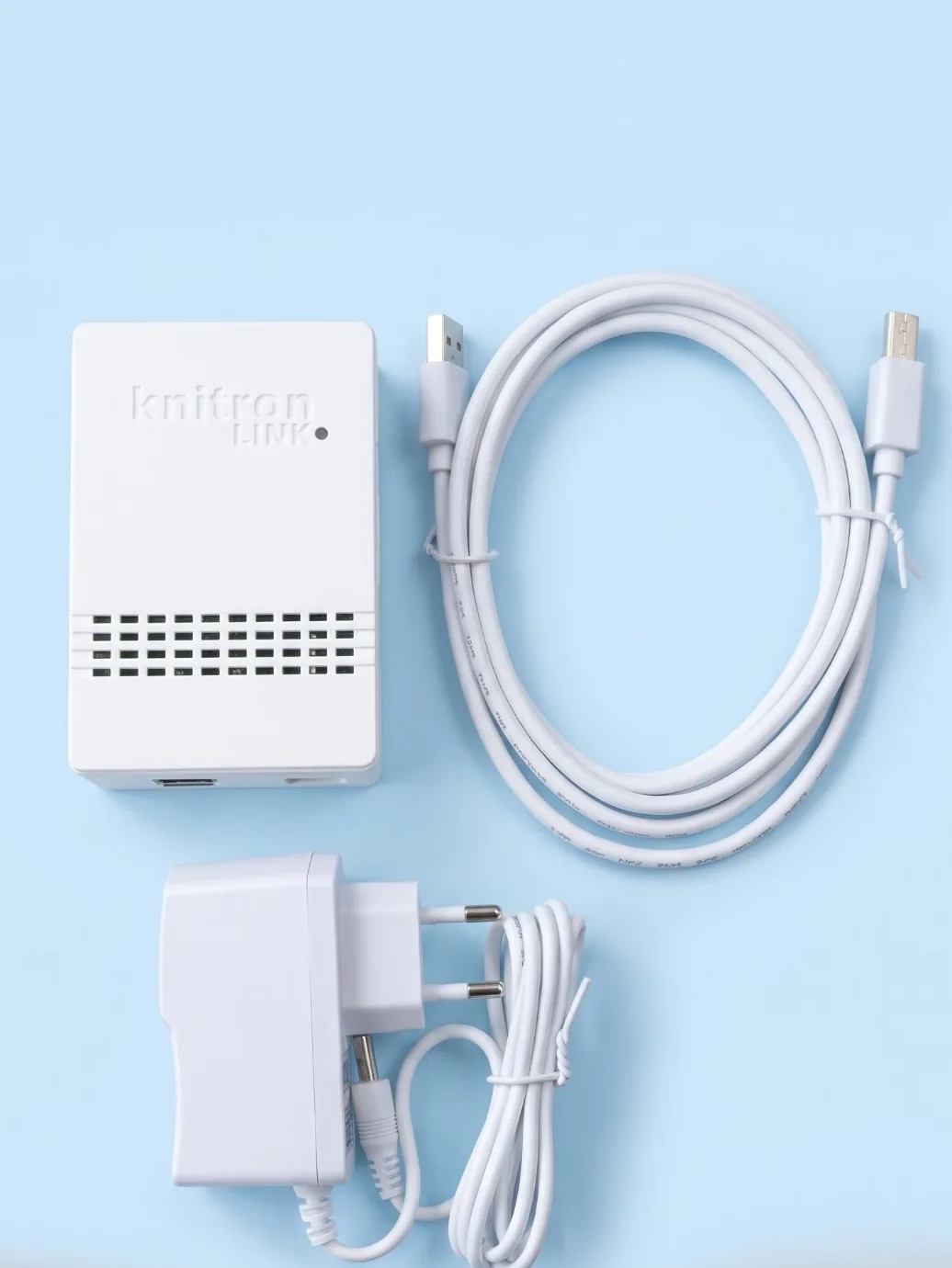
In the box
The KnitronLinkthe box
The power supply12 V
The USB cableto the computer
Plug in, in this order
- Place the lock on the right, off the bed.
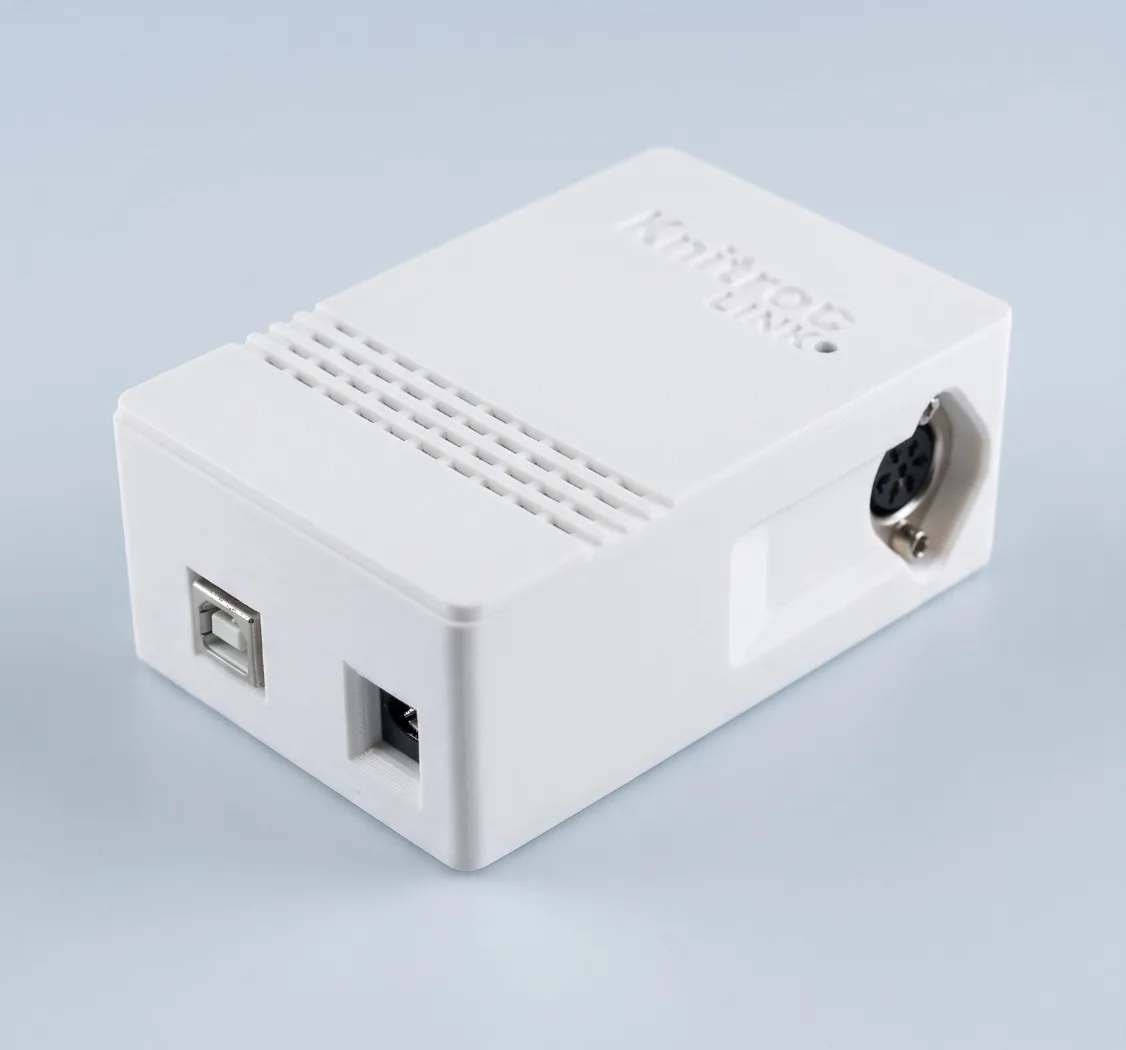
- Unplug the round cable coming from the front lock from the console, and plug it into the Lock socket of the KnitronLink.
- Plug the power supply into the 12 V socket.
- Connect the USB socket to the computer.
- Start knitron: it finds the box by itself (see First start).
The power supply also powers the lock electronics. Without it, knitron sees the box but the lock stays silent.
The status light
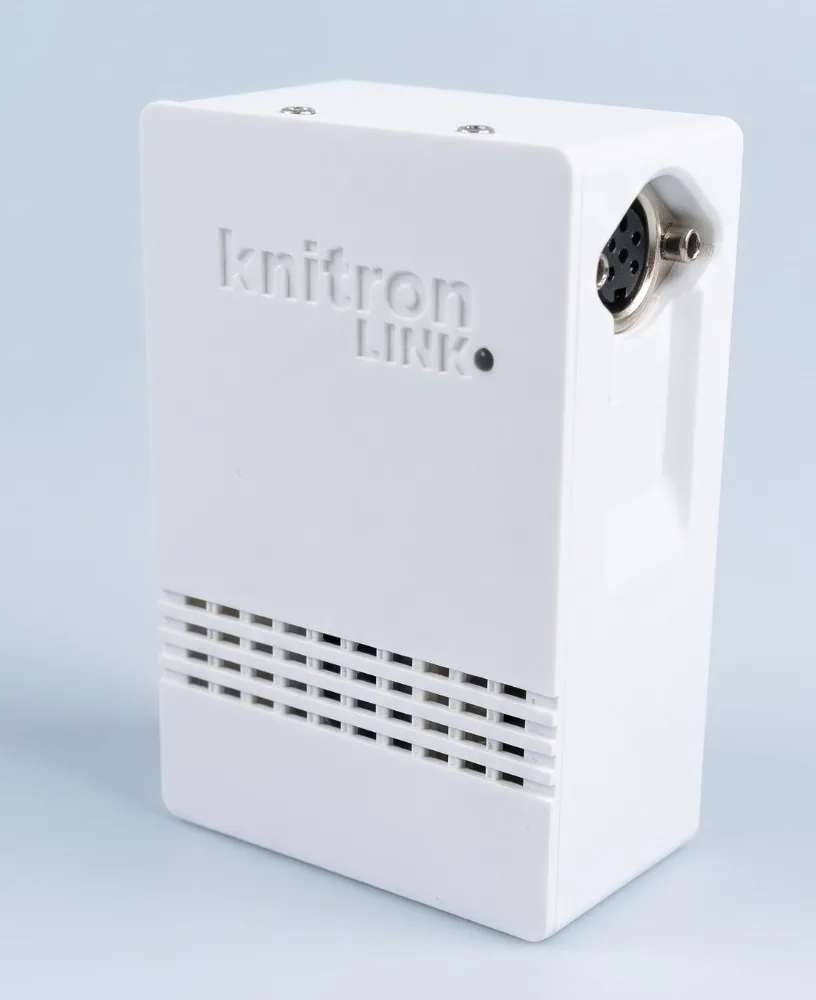
The green light on the front, to the right of the logo, shows at a glance what the box is doing.
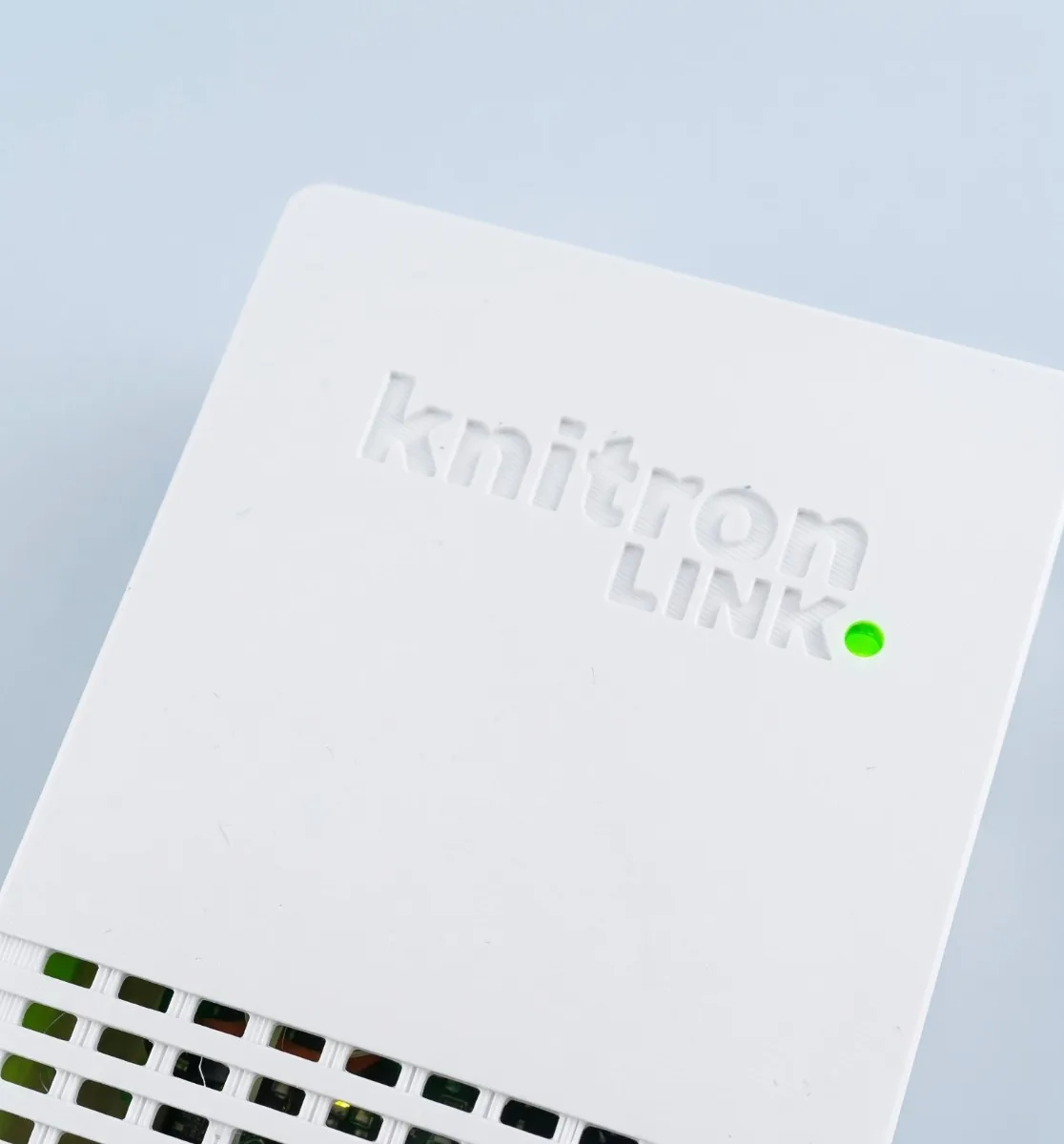
A short flash every secondPowered, waiting for knitron. Start the software, or check the USB cable.
Steady lightConnected to knitron and recognised: everything is ready.
FlickersThe lock is moving: the light follows the needles. Handy to see that the lock is being read.
Burst of flashes, then steadyThe pass was interrupted (lock moved back before the end of the row). Restart the row from the correct side.
Double flash every 2 secondsknitron could not verify the box, for lack of an internet connection. Restore the connection, then reconnect.
Blinks very fastBox not recognised: it is not registered or has been disabled. Contact us.
Three quick flashesAt power-up: just a test of the light.
The status light requires an up-to-date KnitronLink. On an older box it stays off: this makes no difference to knitting.
Going back to the original console
Simply plug the lock cable back into the console: the machine works as before. Nothing has been modified.
A few tips
- Lay the box flat, away from the path of the lock and the yarn.
- Leave some slack in the lock cable so that it follows the lock back and forth without pulling.
- Preferably plug the USB cable directly into the computer rather than into a hub.