Machine panel
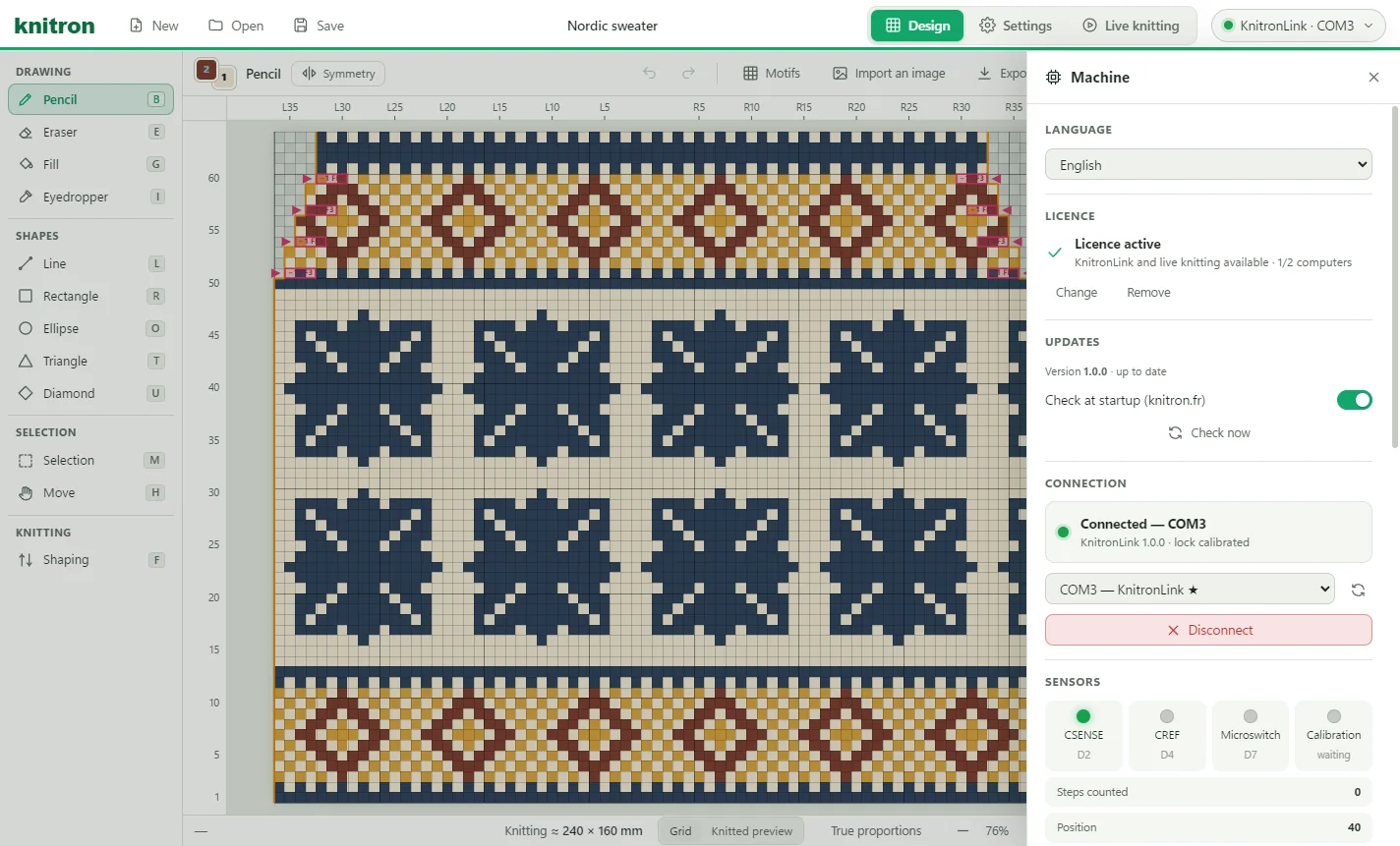
The badge at the top right, “KnitronLink · COM3”, opens the Machine panel: everything to do with the box, from the licence to fine adjustments.
Language
The first block chooses the language of the software: Automatic follows the language of Windows, or pick English or Français. The interface reloads straight away; the open project and the connection to the box are kept.
Licence and updates

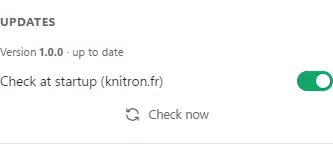
- Change enters another number; Remove deletes the licence from this computer and frees its seat, for example before passing it on.
- “Licence not verified”: knitron could not reach knitron.fr. Check the internet connection, then Try again.
- Check now queries knitron.fr; the switch turns the check at startup on or off.
Connection
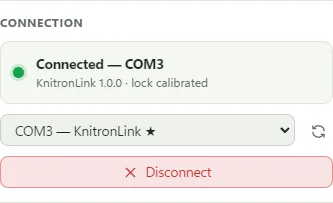
Choose the KnitronLink's port, then Connect. Ports that look like a KnitronLink are marked with a star ★; the button next to the list refreshes it after plugging in the cable.
Sensors
The lock sensors, its position and the calibration status, live. Slide the lock: the lights come on and the counter goes up. Read status asks the box for a full report.

The beep
Turn the end-of-pass beep on or off (also available from live knitting) and test it. Three beeps announce a shaping step.
Centring and display
Centring correction, the assistant, and the lock display adjustment: see Pattern centring.
Advanced settings
The selection offsets and the exit margin are set here, but the centring assistant takes care of them very well for you. The log, at the very bottom, keeps a record of the exchanges with the box: useful if you contact us.